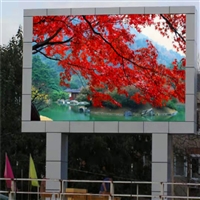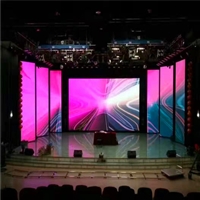


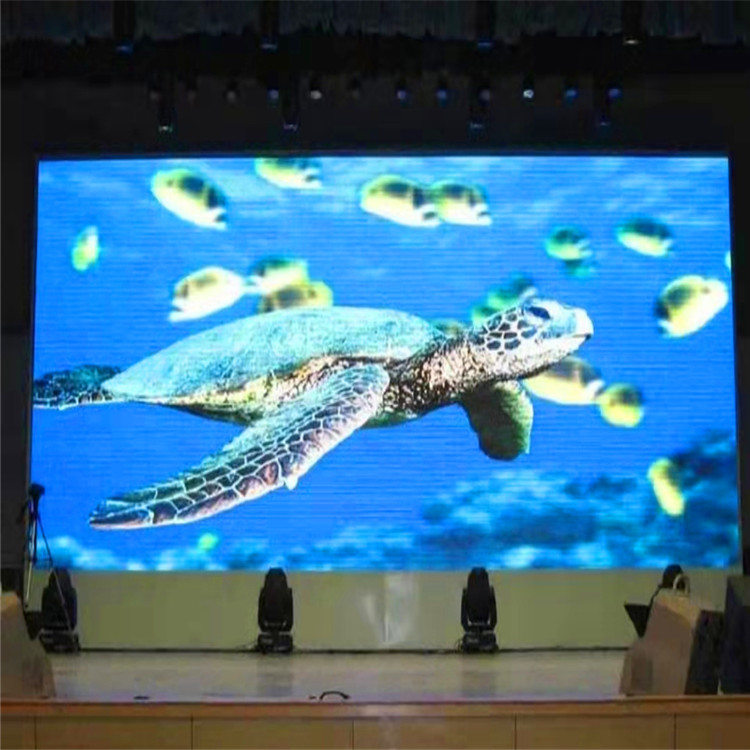
Changzhou Wujin District High Definition Display P2 High Brush Intelligent Control
Category:
Security/LED display screen/LED indoor display screen
Model:
P2
Brand:
Jucai, Jin Lixiang, Gaoke, BOE, Haijia
brand:
Jucai, Jin Lixiang, Gaoke, BOE, Haijia
model:
P2
type:
SMD (Surface Mount Device)
material:
SDM
Specifications:
P2
Installation method:
Wall mounted or floor mounted
rated voltage:
220v
resolution:
1920*1080
pixel density:
two hundred and fifty thousand
Pixel composition:
1R1G1B
brightness:
six hundred
module dimensions:
320*169mm
pixel pitch:
2mm
LED packaging:
patch
Suitable line of sight:
2-6 meters
rated current:
40A
Scope of Application:
Meeting room, lobby, exhibition hall, exhibition hall, lobby
Processing & Customization:
yes
Is it imported:
No
Retail Price
4,400.00USD
重量
kg
- Product Description
-
brand Jucai, Jin Lixiang, Gaoke, BOE, Haijia
model P2
type SMD (Surface Mount Device)
material SDM
Specifications P2
Installation method Wall mounted or floor mounted
rated voltage 220v
resolution 1920*1080
pixel density two hundred and fifty thousand
Pixel composition 1R1G1B
brightness six hundred
module dimensions 320*169mm
pixel pitch 2mm
LED packaging patch
Suitable line of sight 2-6 meters
rated current 40A
Scope of Application Meeting room, lobby, exhibition hall, exhibition hall, lobby
Processing & Customization yes
Is it imported No
Description :
High definition display screen P2 high brush intelligent control in Wujin District, Changzhou. Normal on/off sequence for full-color LED display screen: A. Turn on the control computer first to enable normal operation, and then turn on the full-color LED display screen; B、 Turn off the full-color LED display first, and then turn off the computer. (Turning off the computer without turning off the large screen first may cause high bright spots on the screen, which may burn out the light beads over time); After entering the engineering control software, the computer can only turn on the screen and power on, and the time interval between turning on and off the screen should be greater than 5 minutes. Avoid turning on the screen in full white state, as the system's surge current is high at this time.
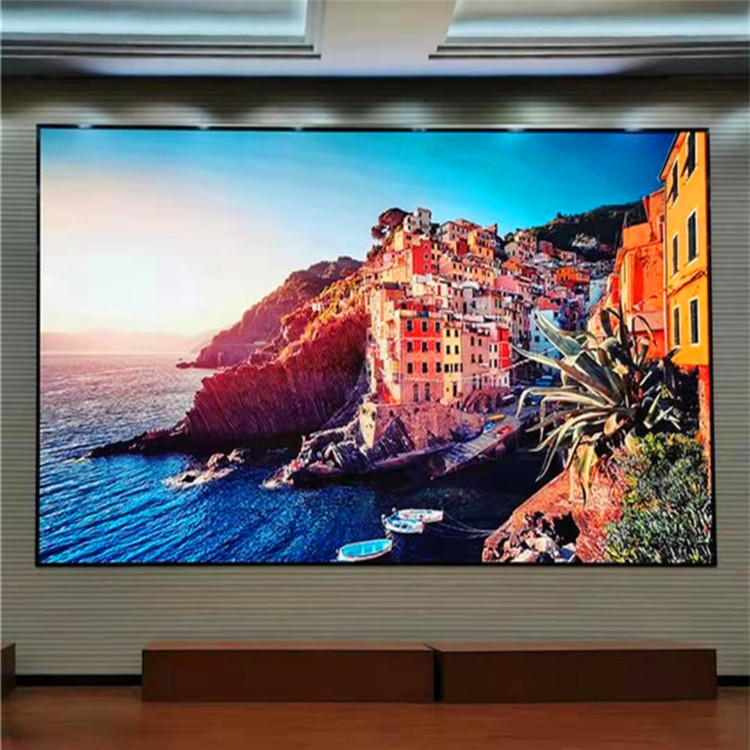

Furui Lai Changzhou Wujin high-definition display screen, avoid opening the screen in an out of control state (A. The computer has not entered control software or other programs; B. The computer is not powered on; C. The power supply of the control part is not turned on, as the system's surge current is relatively high at this time. When the ambient temperature is too high or the heat dissipation conditions are poor, attention should be paid not to turn on the screen for a long time. When a part of the electronic display screen appears to be very bright, attention should be paid to turning off the screen in a timely manner. In this state, it is not advisable to turn on the screen for a long time and seek timely solutions from the manufacturer. The power switch of the display screen often trips, and the screen body should be checked or the power switch should be replaced in a timely manner.

Furui Lai Wujin high-definition display screen should regularly check the firmness of the hanging joint. If there is any looseness, pay attention to adjusting it in a timely manner, re reinforcing or updating the hanging parts. Regularly check the circuit and switch, keep the switch dry, and avoid electric leakage and shock accidents. Air conditioning can be used to dehumidify the indoor environment by placing desiccants and physically absorbing moisture to keep it dry and prevent the display screen from getting damp.
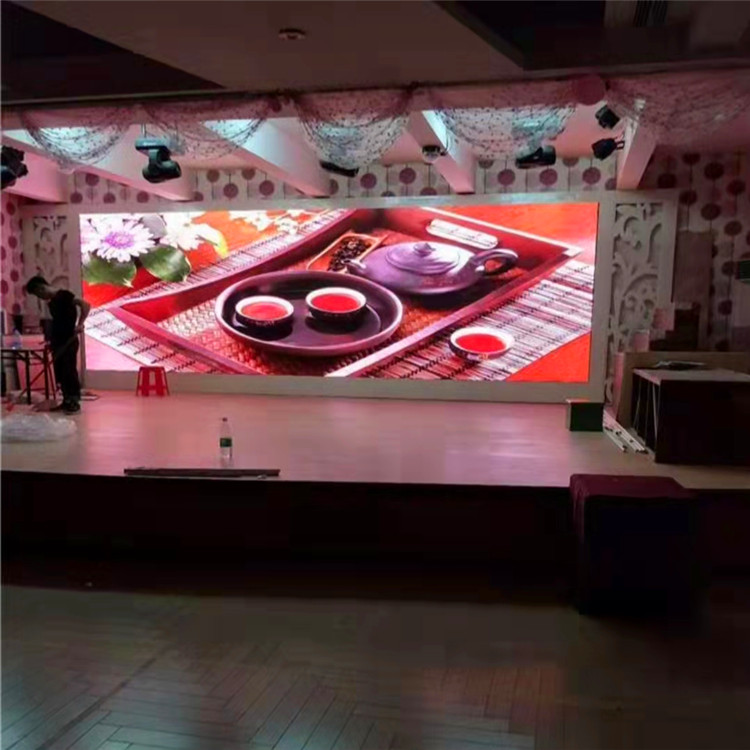
There is a correct method to use the indoor high-definition full-color display screen in the Furui Lai Changwu area. During the rainy season, it is recommended to use it at least once a week and light it up for at least 2 hours each time. Moderate indoor ventilation can quickly evaporate the water vapor attached to the display screen, reducing the humidity of the indoor environment. If not used for a long time, it should be regularly powered on for maintenance and debugging; If not used for a long time, dead lights and blind spots are likely to occur when enabled again, so it is necessary to frequently power on and light up the screen for debugging.
AfterSalesService :
Key words:- Changzhou Wujin District High Definition Display Screen
More Products